What is Audio Intelligence?
Built using the latest AI research, Audio Intelligence enables customers to quickly build high ROI features and applications on top of their audio data.


In addition to our Core Transcription API, AssemblyAI offers a host of Audio Intelligence APIs such as Sentiment Analysis, Summarization, Entity Detection, PII Redaction, and more. This guide explores what Audio Intelligence is, how it works, and how you can leverage these capabilities to build smarter voice-powered applications, especially as market analysis shows the Speech Recognition market is expected to grow at a CAGR of 16.3% through 2030.
What is Audio Intelligence?
Audio Intelligence is AI technology that analyzes speech to extract meaningful insights beyond basic transcription—like sentiment, topics, and key entities from conversations. Built using advanced AI models, it enables product teams to quickly build high ROI features and applications on top of their audio data.
For example, product teams use our Audio Intelligence APIs to power enterprise call center platforms, smarter ad targeting in audio and video, and Content Moderation at scale.
Together, Audio Intelligence APIs work as powerful building blocks for more useful analytics, smarter applications, and increased ROI.
How Audio Intelligence works
Audio Intelligence goes beyond simple transcription. It's a multi-stage process that starts with converting speech to text and then applies a layer of advanced AI models to understand the content.
First, our speech-to-text models create a highly accurate transcript. Then, our speech understanding models analyze that text to extract insights, identify patterns, and categorize information. This allows you to build products that don't just hear what was said, but understand it.
The key distinction between basic transcription and Audio Intelligence lies in this understanding layer. While transcription tells you the words, modern AI platforms show that Audio Intelligence reveals intent, sentiment, topics, and actionable insights from those words, turning raw transcripts into structured business intelligence.
Core Audio Intelligence capabilities
1. Automatic Transcript Highlights
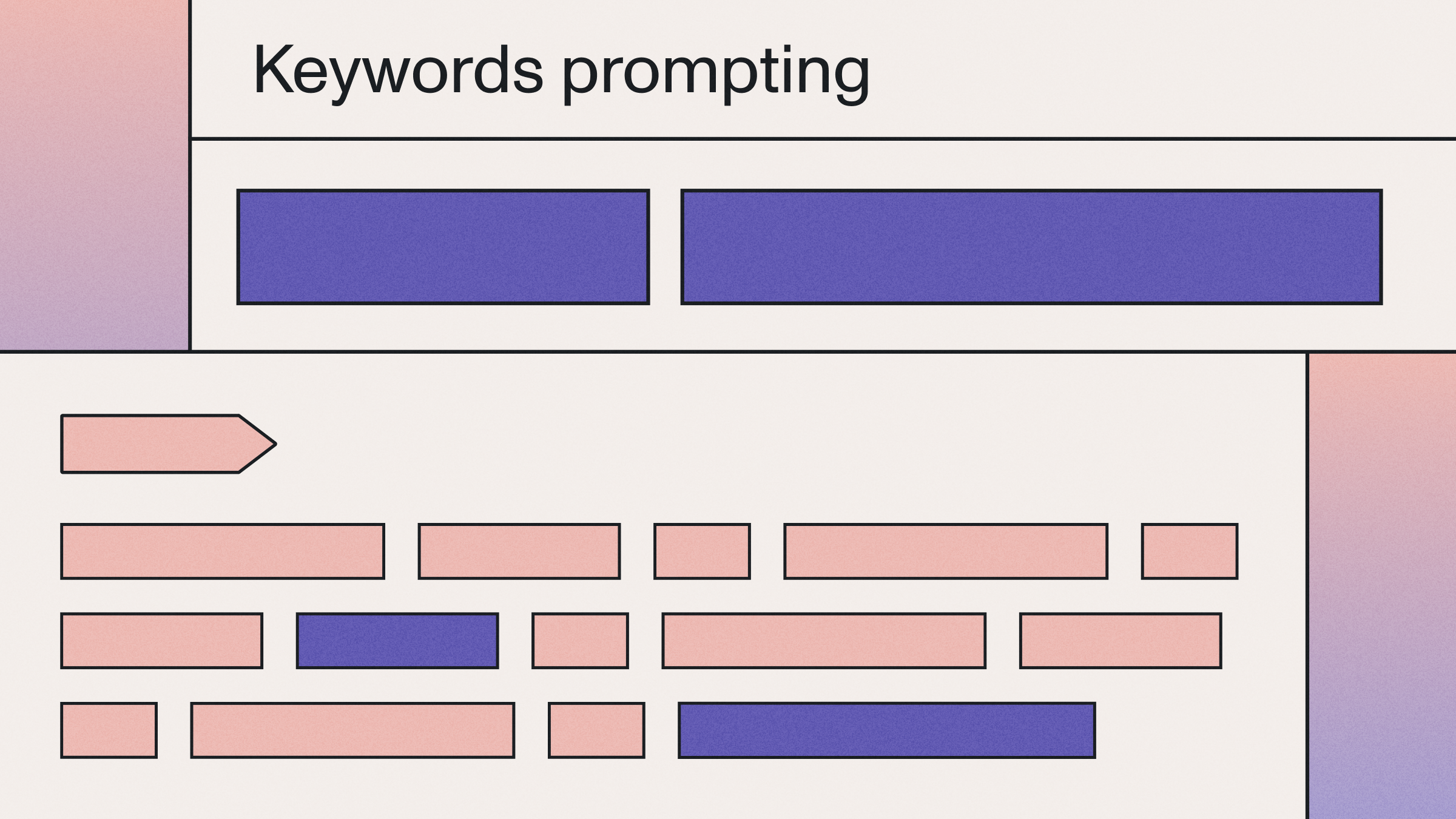
The Automatic Transcript Highlights API automatically detects important keywords and phrases in your transcription text.
For example, in the text,
We smirk because we believe that synthetic happiness is not of the same quality as what we might call natural happiness. What are these terms? Natural happiness is what we get when we get what we wanted. And synthetic happiness is what we make when we don't get what we wanted. And in our society..
The Automatic Transcript Highlights API would flag the following as important:
"synthetic happiness" "natural happiness" ...
2. Topic Detection
The Topic Detection API accurately predicts topics spoken in an audio or video file.
How it works:
- Leverages large NLP models to understand context across audio files
- Predicts topics using standardized IAB Taxonomy
- Analyzes 698 potential topic categories
Let's look at the example below created using the AssemblyAI Topic Detection API.
Here is the transcription text:
In my mind, I was basically done with Robbie Ray. He had shown flashes in the past, particularly with the strike. It was just too inefficient walk too many guys and got hit too hard too.
And here are the Topic Detection results:
Sports>Baseball: 100%
The model knows that Robbie Ray is a pitcher for the Toronto Blue Jays and that the Toronto Blue Jays are a baseball team. Thus, it accurately concludes that the topic discussed is baseball.
3. Entity Detection
The Entity Detection API identifies and then categorizes key information in a transcription text. For example, Washington, D.C. is an entity that is classified as a location.
Here's an example of what a transcription response looks like with the Entity Detection API enabled:
{ "audio_duration": 1282, "confidence": 0.930096506561678, "id": "oris9w0oou-f581-4c2e-9e4e-383f91f7f14d", "status": "completed", "text": "Ted Talks are recorded live at Ted Conference...", "entities": [ { "entity_type": "event", "text": "Ted Talks", "start": 8630, "end": 9146 }, { "entity_type": "event", "text": "Ted Conference", "start": 10104, "end": 10946 }, { "entity_type": "occupation", "text": "psychologist", "start": 12146, "end": 12782 }, ... ], ... }
As you can see, the API is able to determine two entity types for the transcription text – event and occupation.
There are currently 25 entities that can be detected in a transcription. These include:
4. Auto Chapters
The Auto Chapters API provides "summary over time" for transcription text. It breaks audio into logical chapters when topics change, then generates short summaries for each section.
This makes long transcription texts more digestible and searchable.
Here's an example of what a transcription response looks like with the Auto Chapters API enabled:
{ "audio_duration": 1282, "confidence": 0.930096506561678, "id": "oris9w0oou-f581-4c2e-9e4e-383f91f7f14d", "status": "completed", "text": "Ted Talks are recorded live at Ted Conference...", "chapters": [ { "summary": "Ted talks are recorded live at ted conference. This episode features psychologist and happiness expert dan gilbert. Download the video @ ted.com here's dan gilbert.", "headline": "This episode features psychologist and happiness expert dan gilbert.", "start": 8630, "end": 21970, "gist": "live at ted conference" } ... ], ... }
Note that you will receive a summary, headline, and gist for each chapter, in addition to the start and end timestamps.
5. Content Moderation
The Content Moderation API automatically detects potentially sensitive or harmful content in an audio or video file.
Current topics that can be flagged are:
Here's an example of what a transcription response looks with the Content Moderation API enabled:
{ ... "text": "You're listening to Ted Talks Daily. I'm Elise Hume. Neuroscientist Lisa Genova says...", "id": "ori4dib4sx-1dec-4386-aeb2-0e65add27049", "status": "completed", "content_safety_labels": { "status": "success", "results": [ { "text": "Yes, that's it. Why does that happen? By calling off the Hunt, your brain can stop persevering on the ugly sister, giving the correct set of neurons a chance to be activated. Tip of the tongue, especially blocking on a person's name, is totally normal. 25 year olds can experience several tip of the tongues a week, but young people don't sweat them, in part because old age, memory loss, and Alzheimer's are nowhere on their radars.", "labels": [ { "label": "health_issues", "confidence": 0.8225132822990417, "severity": 0.15090347826480865 } ], "timestamp": { "start": 358346, "end": 389018 } }, ... ], "summary": { "health_issues": 0.8750781728032808 ... }, "severity_score_summary": { "health_issues": { "low": 0.7210625030587972, "medium": 0.2789374969412028, "high": 0.0 } } }, ... }
The API will output the flagged transcription text, the predicted content label –in the above example, health_issues, and the accompanying timestamp. It will also determine confidence and severity scores for each flagged topic.
6. PII Redaction
A recent industry survey found that over 30% of tech leaders see data privacy as a significant challenge, which is why the PII Redaction API is built to identify and remove (redact) Personally Identifiable Information (PII) in a transcription text. When enabled, the PII will be replaced with a # or the entity_name (for example, [PERSON_NAME] instead of John Smith for each redacted character.
7. Sentiment Analysis
The Sentiment Analysis API detects positive, negative, and neutral sentiments in speech segments, which research shows can help customer service teams flag frustrated callers before issues escalate.
When using AssemblyAI's Sentiment Analysis API, you will receive a predicted sentiment, time stamp, and confidence score for each sentence spoken.
Here's an example of what a transcription response looks with the Sentiment Analysis API enabled:
{ "id": "oris9w0oou-f581-4c2e-9e4e-383f91f7f14d", "status": "completed", "text": "Ted Talks are recorded live...", "words": [...], // sentiment analysis results are below "sentiment_analysis_results":[ { "text": "Ted Talks are recorded live at Ted Conference.", "start": 8630, "end": 10946, "sentiment": "NEUTRAL", "confidence": 0.91366046667099, "speaker": null }, { "text": "his episode features psychologist and happiness expert Dan Gilbert.", "start": 11018, "end": 15626, "sentiment": "POSITIVE", "confidence": 0.6465124487876892, "speaker": null }, ... ], ... }
Choosing the Right Audio Intelligence Features
With a range of capabilities, how do you choose the right ones for your product? Start with your user's goal.
Select Audio Intelligence capabilities based on your primary use case:
Sales Enablement
Sentiment Analysis + Entity Detection + Transcript Highlights → Track customer sentiment and surface key discussion points
Content Platforms
Auto Chapters + Topic Detection + Entity Detection → Create searchable segments and smart recommendations
Compliance & Legal
PII Redaction + Content Moderation + Entity Detection → Protect sensitive information and track important entities
Customer Support
Sentiment Analysis + Auto Chapters + Transcript Highlights → Monitor customer satisfaction and identify key issues
Healthcare
PII Redaction + Entity Detection + Content Moderation → Protect patient privacy and extract medical entities
You can also combine multiple APIs for more sophisticated insights. For instance, proven use cases show that using Sentiment Analysis with Entity Detection lets you understand not just that a customer is frustrated, but specifically which product or service is causing that frustration.
What can you do with Audio Intelligence?
Innovative product teams are leveraging AssemblyAI's Audio Intelligence APIs to quickly build innovative features into their products and services that drive higher ROI and value to end users.
For example, a marketing analytics SaaS solution uses Automatic Transcript Highlights and PII Redaction to help power its Conversational Intelligence software. With Audio Intelligence, the company can help its customers optimize marketing spend and increase ROI with more targeted ad placements, as well as charge more for this intelligent product.
A lead tracking and reporting company uses Audio Intelligence APIs to help qualify its leads, identify quotable leads, and flag leads for follow-up, speeding up its qualification process and increasing conversion rates.
Podcast, video, and media companies use Topic Detection to facilitate smarter content recommendations and more strategically place advertisements on videos.
Medical professionals use Entity Detection to automatically identify important patient information such as names, conditions, drugs administered, injuries, and more, helping them sort information faster and then perform more intelligent analysis on the collected data.
Telephony companies use Sentiment Analysis to label sentiments in customer-agent conversations, identify trends, analyze behavior, and improve customer service.
Getting started with Audio Intelligence APIs
You can start building with our Audio Intelligence APIs in minutes:
- Sign up for a free API key
- Make your first call to our Core Transcription model
- Enable features by adding parameters like
sentiment_analysis=True
You can enable multiple features in a single request for comprehensive audio insights.
Here's a quick comparison of implementation approaches:
Explore our documentation for detailed guides and code examples. Our API reference includes sample code in multiple programming languages, making it easy to integrate Audio Intelligence into your existing applications.
Ready to build with Audio Intelligence? Try our API for free and see how these capabilities can transform your audio data into actionable insights.
Frequently Asked Questions About Audio Intelligence APIs
How does Audio Intelligence differ from basic speech-to-text?
Speech-to-text converts audio to text, while Audio Intelligence analyzes that text to extract deeper insights like sentiment, topics, and key entities.
Can I use multiple Audio Intelligence features together?
Yes, you can enable multiple AI models in a single API call to get comprehensive analysis from one request.
What audio quality is required for accurate results?
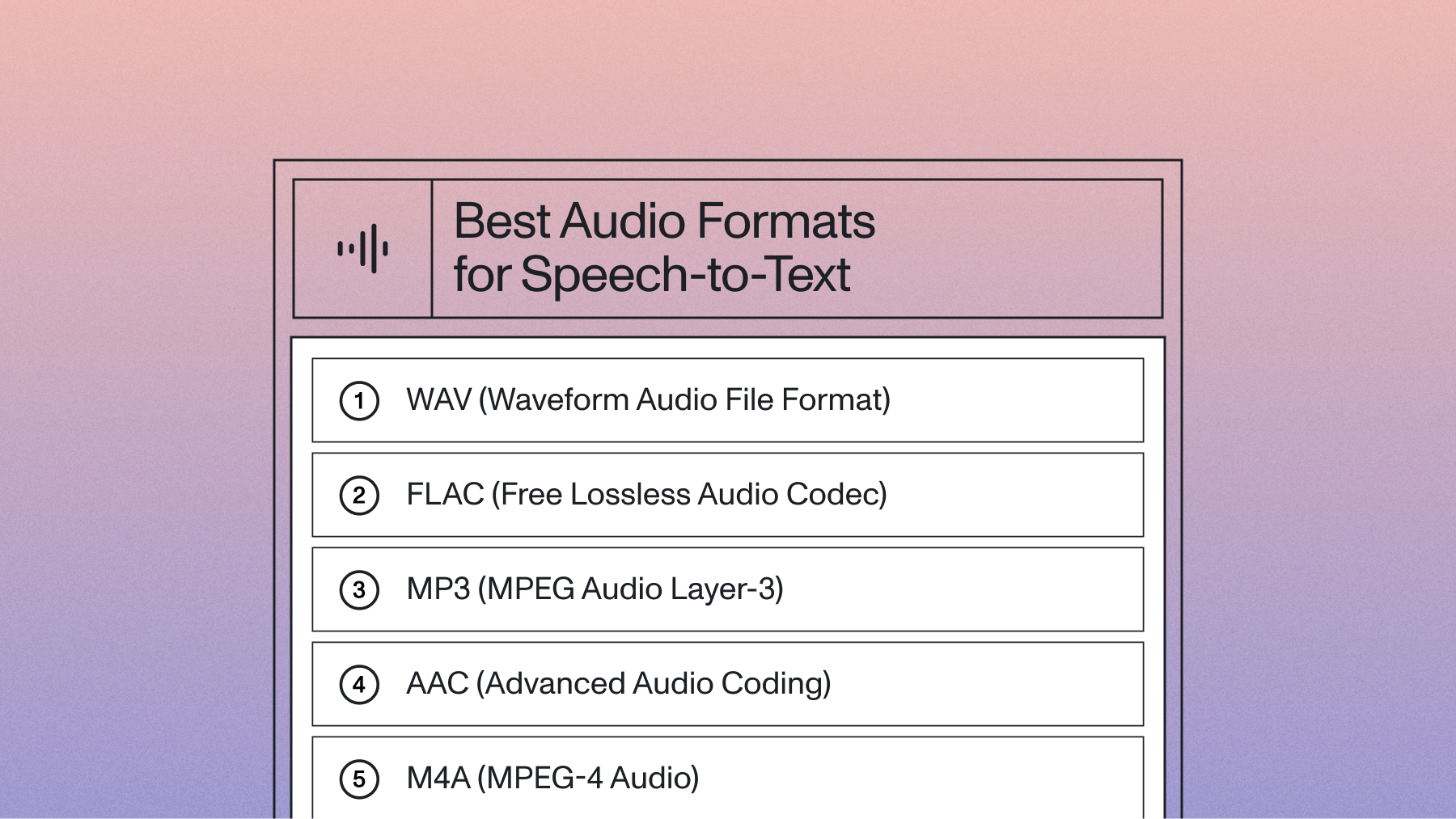
While our models handle real-world noise well, we recommend lossless formats like FLAC with 16,000 Hz sampling rate for optimal performance.
How do I choose which capabilities I need for my use case?
Start by defining your core problem—sales coaching needs Sentiment Analysis, content platforms need Auto Chapters and Topic Detection.
What's the typical integration timeline for Audio Intelligence APIs?
Since ease of use and quality developer resources are top priorities for tech leaders according to our latest survey, we've made it possible for developers to make their first successful API call in under an hour, with full production integration typically completed within weeks.
Lorem ipsum dolor sit amet, consectetur adipiscing elit, sed do eiusmod tempor incididunt ut labore et dolore magna aliqua. Ut enim ad minim veniam, quis nostrud exercitation ullamco laboris nisi ut aliquip ex ea commodo consequat. Duis aute irure dolor in reprehenderit in voluptate velit esse cillum dolore eu fugiat nulla pariatur.
Related posts